
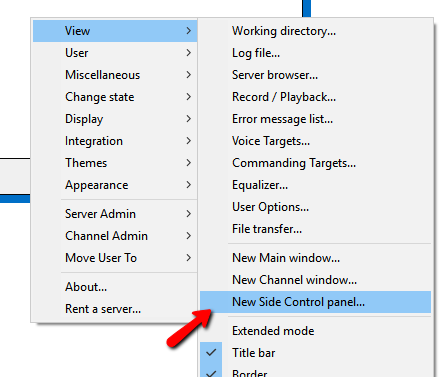
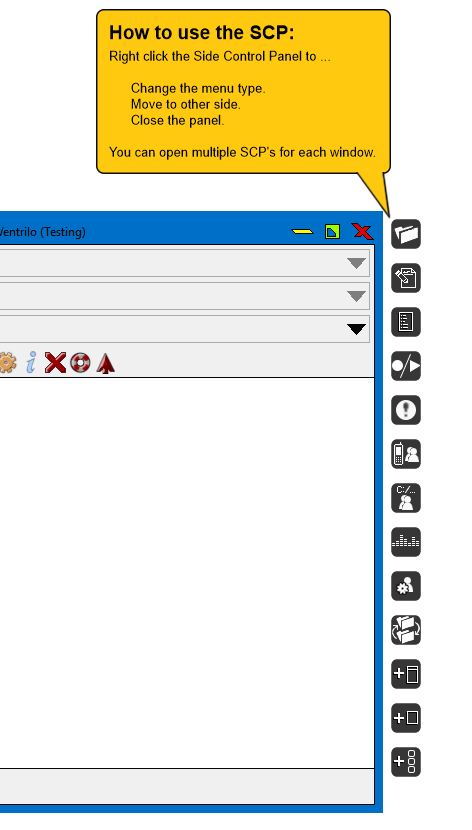
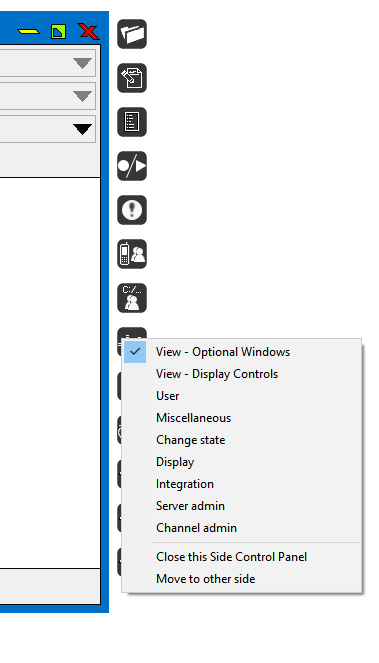
How To make Side Control Panel windows.This guide will show you how to make and use the Side Control Panel (SCP) Windows. Side Control Panels (SCP's) are a feature of the Ventrilo Client, which allow you to use some of the main "Right Click" function windows with a click of a button. You can have multiple SCP's active at once, on either side of the client for a variety of options just 1 click away.
Still stuck? Open a trouble ticket at https://cp.light-speed.com/trouble-tickets.php or see all Ventrilo Server guides. |
© Copyright 2004-2026 LightSpeed Gaming LLC
Ventrilo is a Trademark of LightSpeed Gaming LLC.
Try GameVox — next-gen voice chat for gamers (open beta)